
What is a NAS and How Does It Work?
What is a NAS?
If several people in a business need access to the same files, storing everything on one employee’s computer can quickly become a problem.
What happens if that computer is off or the main user is not available? What happens if the file gets corrupted or the hard drive fails? How do you deal with having multiple versions of the file, or who has access to the file?
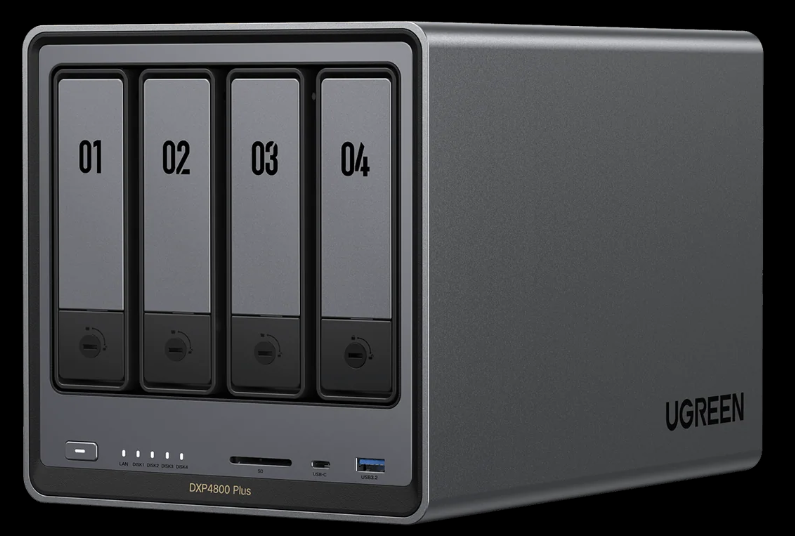
One solution to these problems is to install network attached storage, or NAS for short.
A NAS is a dedicated storage system connected to your network. Instead of being plugged into a single computer like an external hard drive, it can be shared across a business or home network.
NAS systems are commonly used for shared business files, backups, media storage, surveillance recordings, archives, and other situations where multiple devices need access to the same data. IBM describes NAS as centralized file storage available to authorized users over a local network.
How does a NAS work?
A NAS is essentially a computer designed for storing and serving files.
Most NAS systems contain:
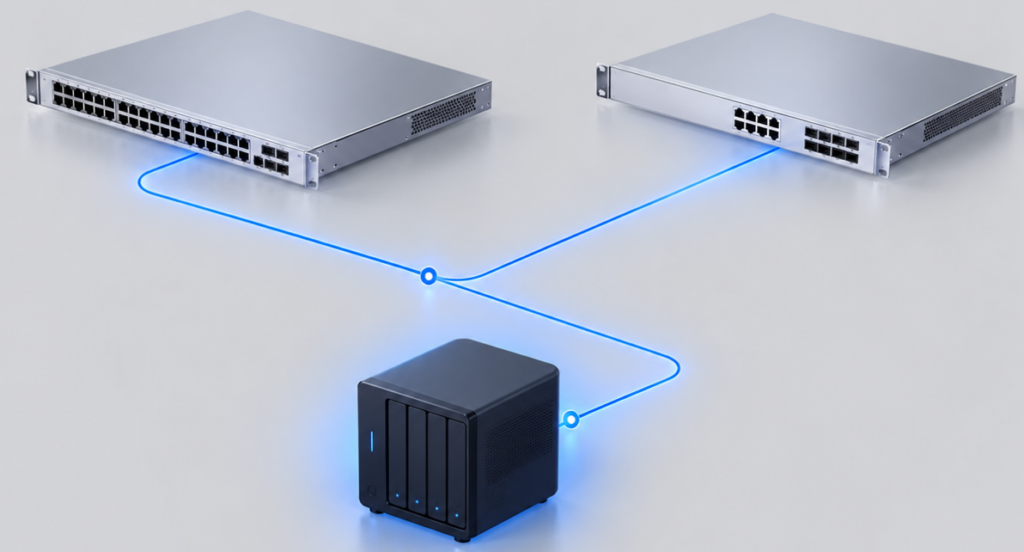
The NAS connects to your network just like any other device. It is accessed by sharing the network connection with the computer, usually as a “network folder”.
When a user opens a shared folder the computer and the NAS communicate over the network to open the file.
Windows computers commonly use the Server Message Block protocol, or SMB, for this type of file sharing. Microsoft describes SMB as the network protocol Windows uses for file sharing, printers, and similar resources.
Why Would a Business Use a NAS?
One of the biggest benefits is centralization.
Instead of important documents being scattered across multiple computers or flash drives, all a business’s documents can be stored in one central, managed location.
Some other things a NAS is capable of include:
For a small office, a NAS can sometimes provide many benefits of a traditional file server without requiring a full Windows Server Environment or expensive server grade hardware.
Is a NAS the Same as Cloud Storage?
The short answer is not exactly.
Cloud storage is typically stored on infrastrructure operated by another company and accessed over the internet.
A NAS normally sits inside your own business and stores data locally. For local access, an internet connection is not required. Depending on the network, local file access can also be significantly faster.
However, many modern NAS systems blur the line between local and cloud storage. They can synchronize data with cloud platforms, and provide remote access over the internet as a private cloud.
What is RAID?
We can’t talk about a NAS system without talking about RAID (Redundant Array of Independent Disks).
Raid is a technology that allows multiple disks to be configured to work together. There are multiple types of RAID configurations, but that is outside the scope of this article. If you would like to learn more, check out this article →
The simple explanation is that multiple disks in a single NAS can be configured to be mirrors of the data. This means that if a hard drive fails, the data on it is preserved on another disk.
However, RAID is not a backup!
Raid may protect you from a drive failure, but it does not necessarily protect you from deleted files, ransomware, theft, fire, hardware failure, or anything else that might destroy your data.
A NAS can be a part of your backup strategy, but it should not be the only part of your backup strategy.
CISA recommends maintaining separate backups and emphasizes that backups should be regularly tested. Ransomware can also attempt to encrypt or delete accessible backups.
IT professionals recommend the 3-2-1 backup rule:
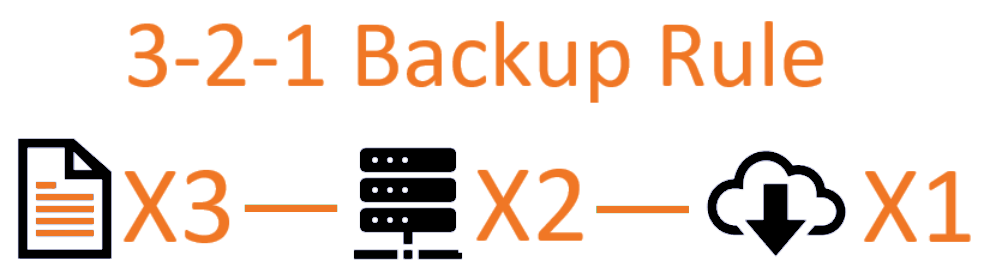
3 total copies of your data
2 different types of storage media
1 copy stored off-site
Should Every Business Have a NAS?
The short answer is no.
Some businesses can function just fine with cloud storage and file collaboration platforms such as Microsoft 365 or Google Workspace. OneDrive/SharePoint/Google Drive are not automatically equivalent to a proper independent backup solution.
Other businesses might simply be too large and require a much more robust backup solution.
The important part is choosing storage around how your business actually works instead of buying hardware just because it sounds useful.
Need help figuring out where your business data should live?
Molten Core Technology can help evaluate your current storage, backup, and file sharing setup and recommend a practical solution.
Sources & Further Reading
IBM, What Is Network Attached Storage?
Microsoft, SMB Features in Windows and Windows Server
CISA, StopRansomware Guide

About the Author
Andrew Lingsch is the owner of Molten Core Technology, a Southwest Florida IT company helping small and growing businesses with managed IT, cybersecurity, Microsoft 365, networking, backups, and day to day technology support.